
Following Website Updates with RSS Feeds in Rons WebLynx - Rons WebLynx
The internet contains an enormous amount of information, and much of that information changes every day. News websites publish articles, software companies release updates, government agencies announce new policies, and researchers publish new findings.
Keeping up with these updates can be difficult.
Many people find themselves repeatedly visiting the same websites to see whether anything new has been published. Others subscribe to numerous email newsletters and eventually discover their inboxes becoming cluttered with messages they do not have time to read.
RSS feeds provide a simple alternative.
Rons WebLynx includes a built-in RSS and Atom feed reader, making it possible to follow website updates directly from within your bookmark collection. Rather than manually checking websites, WebLynx can automatically retrieve new content and place it into dedicated folders for review later.
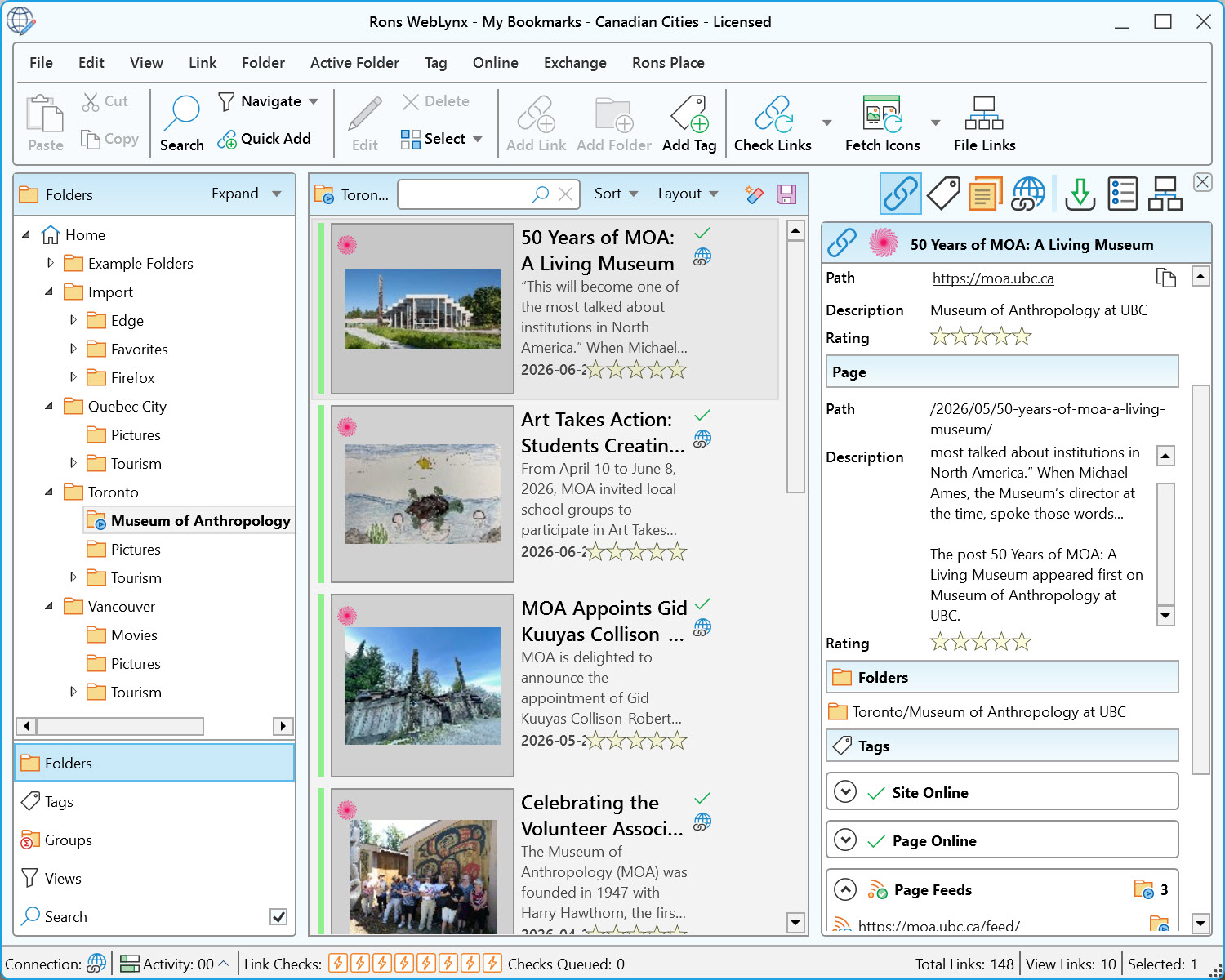
What Is an RSS Feed?
RSS stands for Really Simple Syndication.
An RSS feed is a special format that websites use to publish information about new content. When a website publishes a new article, announcement, or blog post, the RSS feed is updated automatically.
An RSS reader checks these feeds and collects the latest items for you.
In practical terms, instead of visiting ten different websites every day to see what is new, you can receive updates from all ten websites in one place.
Who Still Uses RSS?
Although RSS no longer receives the attention it once did, it remains a valuable tool for many types of users.
Researchers
Researchers often monitor:
- Universities
- Government departments
- Archives
- Industry organizations
- Specialized publications
RSS allows them to keep track of new material without repeatedly checking each source.
Professionals
Many professionals follow:
- Industry news
- Regulatory updates
- Competitor websites
- Product announcements
- Technical blogs
RSS helps ensure important updates are not missed.
Developers
Developers frequently use RSS to track:
- Software releases
- Security advisories
- Open-source projects
- Technical articles
Many technical websites continue to publish RSS feeds because they are reliable and efficient.
Anyone Tired of Algorithms
One of the biggest advantages of RSS is that it delivers content directly from the sources you choose.
Unlike social media feeds, there are no algorithms deciding what you should see.
You choose the websites. You receive the updates.
RSS Feeds in Rons WebLynx
One of the useful features of Rons WebLynx is its integrated RSS and Atom feed reader. Rather than requiring a separate application, RSS feeds can be managed within the same environment used to organize bookmarks, research materials, notes, tags, and folders.
WebLynx allows folders to become Active Folders.
An Active Folder automatically checks one or more RSS or Atom feeds on a schedule and adds new content as links within the folder.
This creates a simple workflow:
- Choose trusted sources.
- Add their RSS feeds.
- Let WebLynx collect updates automatically.
- Review, organize, tag, and keep the information you find valuable.
For ongoing research or professional monitoring, this can save a considerable amount of time.
Setting Up an RSS Feed in Rons WebLynx
Setting up an RSS feed is straightforward.
Step 1: Create or Select a Folder
Choose an existing folder or create a new one for the content you want to follow.
Examples might include:
- Science News
- Technology News
- Industry Updates
- Research Sources
- Software Development
- Government Information
Step 2: Configure the Folder as an Active Folder
Convert the folder into an Active Folder and add the RSS or Atom feed address. WebLynx uses Active Folders to automatically retrieve and update content from feeds.
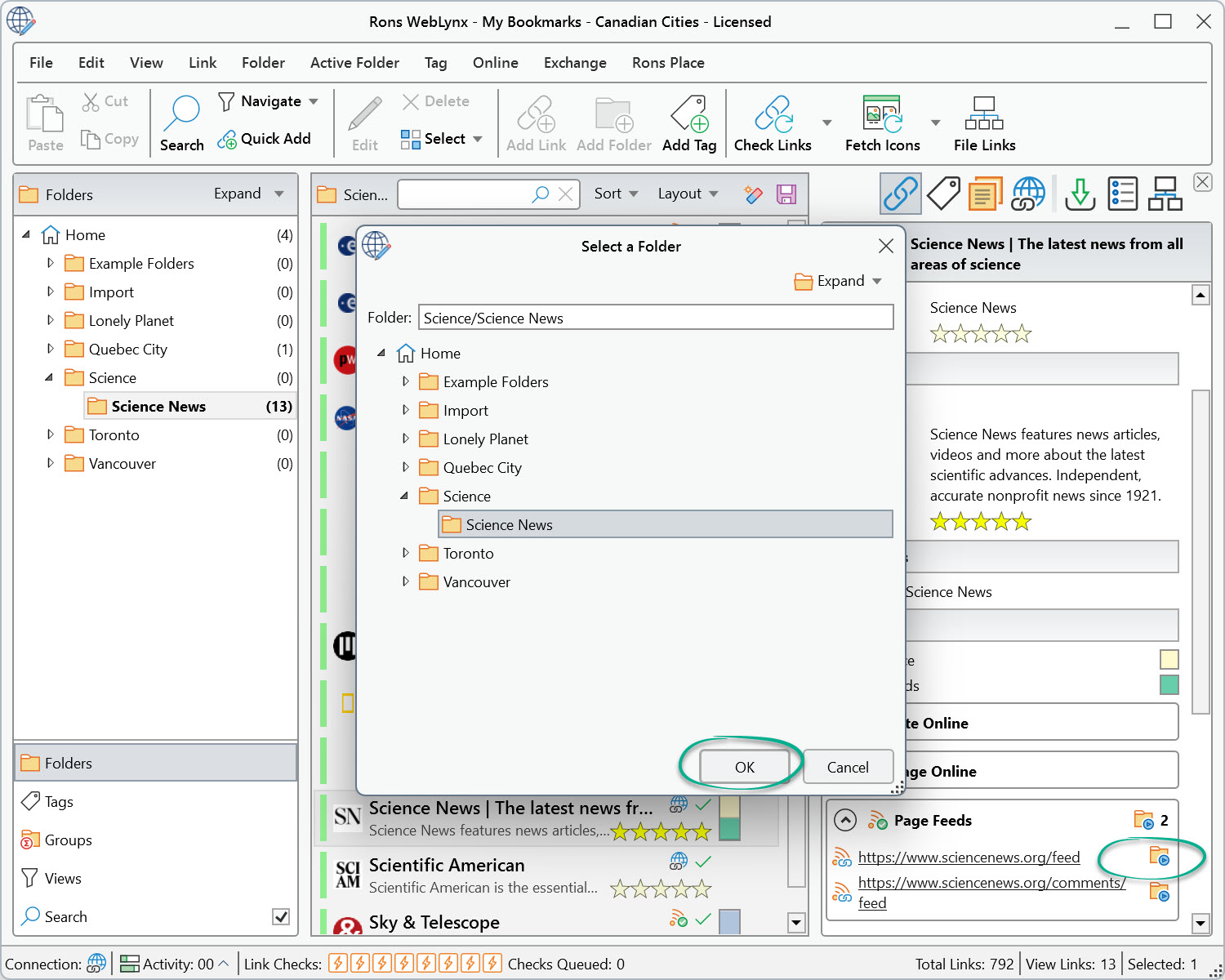
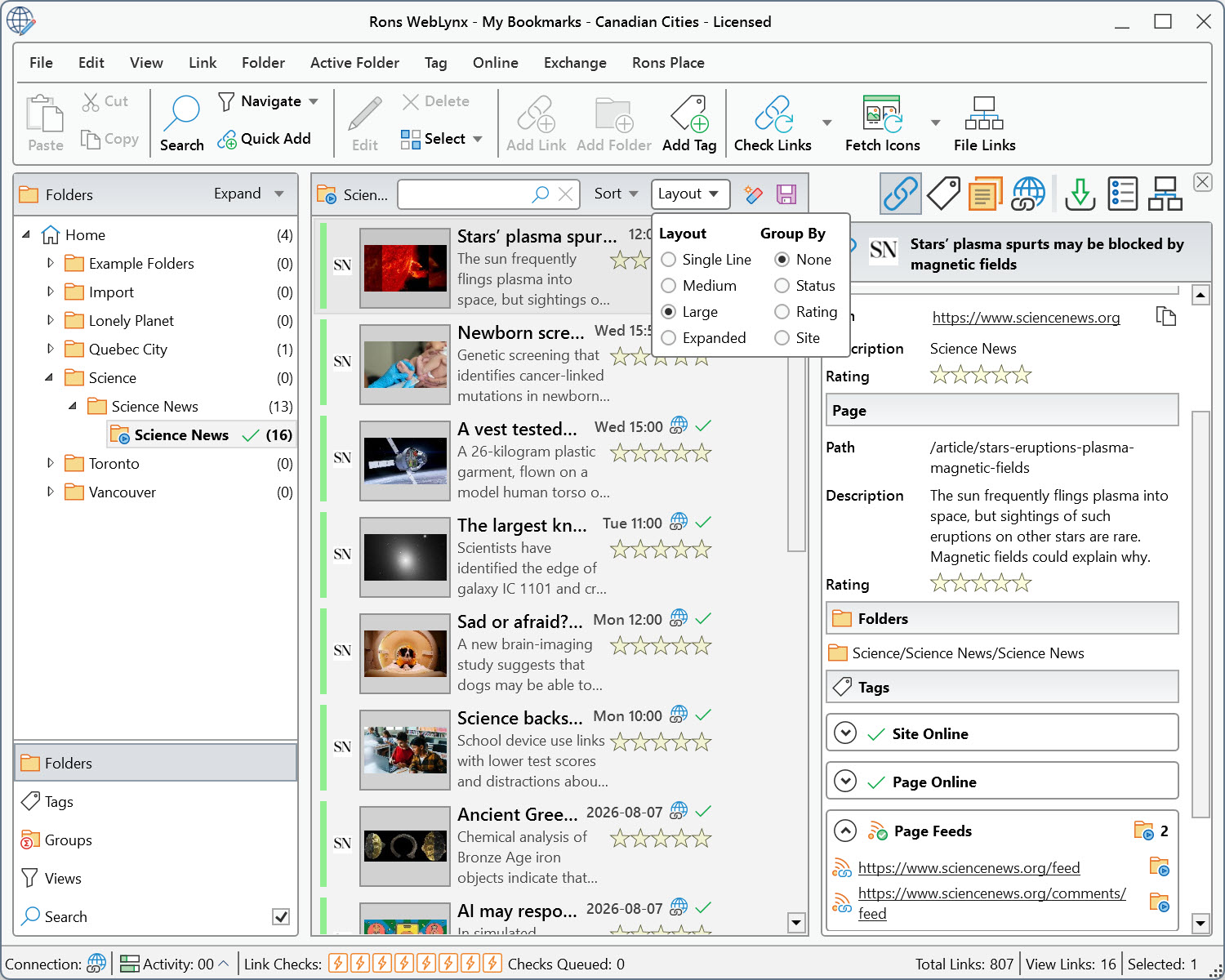
As shown in the second image, different layouts can be selected to make the information easier to view.
Step 3: Choose an Update Schedule
Once the RSS feed has been added, you can configure how often WebLynx checks for new content.
To do this, first select the RSS folder in the folder tree. Next, open Active Folder from the top menu and choose Add/Edit.
In the Refresh Schedule tab, you can customize when and how frequently the feed should be checked for updates.
Once configured, WebLynx will automatically monitor the feed and add new items to the folder as they become available, allowing you to stay up to date without having to visit the source website manually.
Step 4: Review New Content
As new articles appear, they are added as links within the folder.
From there, they can be:
- Tagged
- Rated
- Moved to other folders
- Annotated with notes
- Added to ongoing research collections
All using the normal WebLynx management tools.
For even greater automation, RSS feeds can be combined with WebLynx's Automatic Link Filing feature.
This allows newly imported feed items to be processed automatically based on rules that you define. For example, links can be tagged, moved to specific folders, or even deleted automatically according to keywords, source websites, or other criteria.
Over time, this can significantly reduce manual organization and help keep large RSS collections neatly structured.
Building Your Own Information Feed
Many online services attempt to decide what information deserves your attention. RSS works differently:
You choose the sources.
You decide what is important.
You control how information is organized.
Over time, a collection of carefully selected feeds can become a valuable source of trusted information tailored specifically to your interests.
Conclusion
RSS remains one of the simplest and most effective ways to follow websites that matter to you.
Whether you are conducting research, monitoring an industry, keeping up with software updates, or simply trying to reduce information overload, RSS allows website updates to come to you rather than requiring you to constantly check for them.
With its built-in RSS and Atom feed reader, Active Folders, and powerful organization features, Rons WebLynx provides a practical way to collect updates, organize information, and maintain a growing library of useful web resources.
The goal is not to follow everything on the internet.
It is to stay informed about the sources that matter most to you.
Related Information
Rons WebLynx
Application
General


