
Importing Outertech Linkman Files - Rons WebLynx
Introduction . . . Outertech Linkman?
Outertech Linkman is a Windows-based bookmark and favorites manager designed to help users organize, search, and maintain large collections of bookmarks across multiple browsers.
As one of WebLynx's competitors, Linkman is occasionally used by customers who later decide to migrate their bookmark collections to WebLynx.
Over the years, several customers have asked whether WebLynx can import bookmarks exported from Linkman. To address this need, Linkman import support was added to WebLynx some time ago.
Because this feature was introduced quietly, some customers were unaware that it existed. This guide explains how to import your Linkman bookmarks into WebLynx. Fortunately, the process is very straightforward.
Create a New WebLynx File
First things first; download and install WebLynx. It will start after the install is complete.
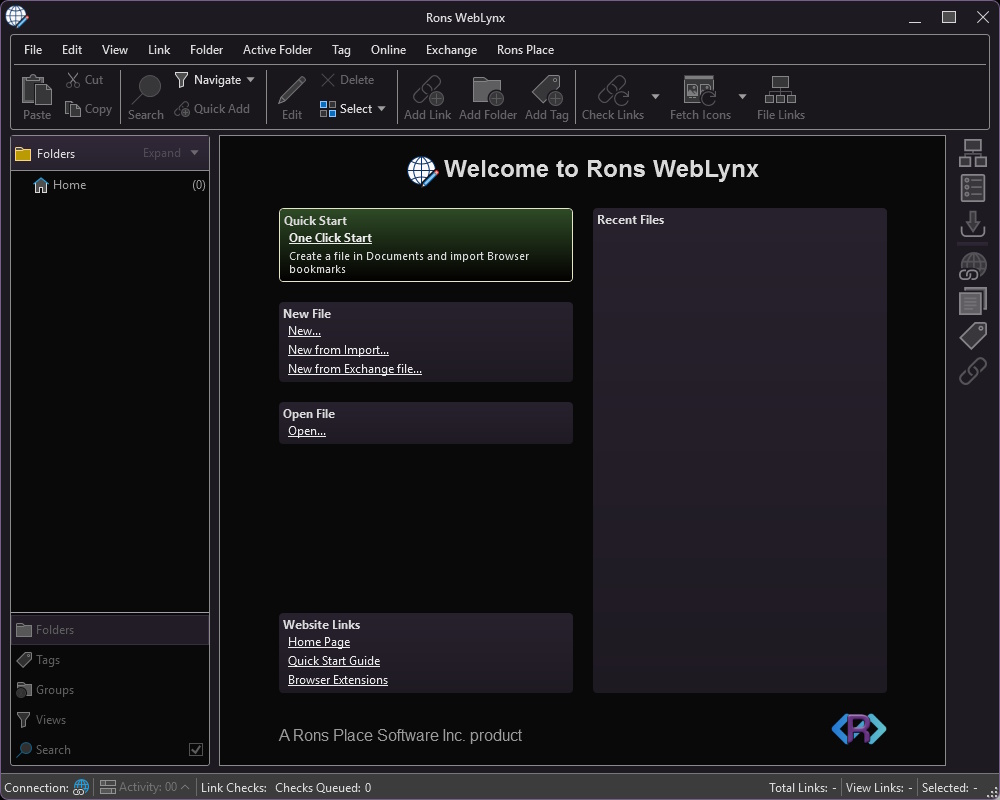
At the WebLynx start page (above) click 'New...' to create a new file and choose a filename.
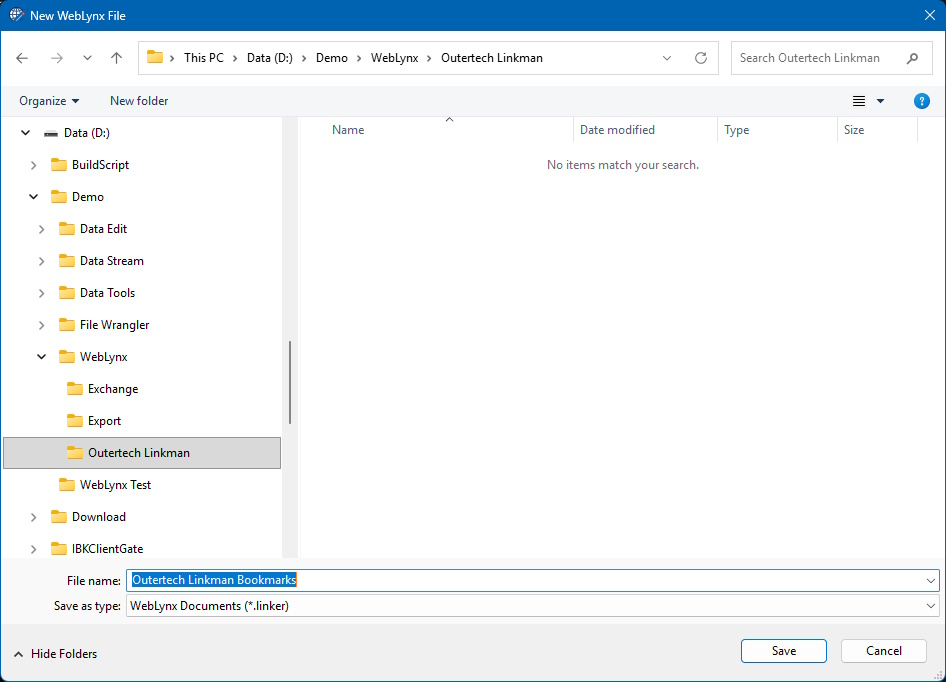
This will create a new file with a small number of example links, folders and tags in it.
Import The Outertech Linkman File(s)
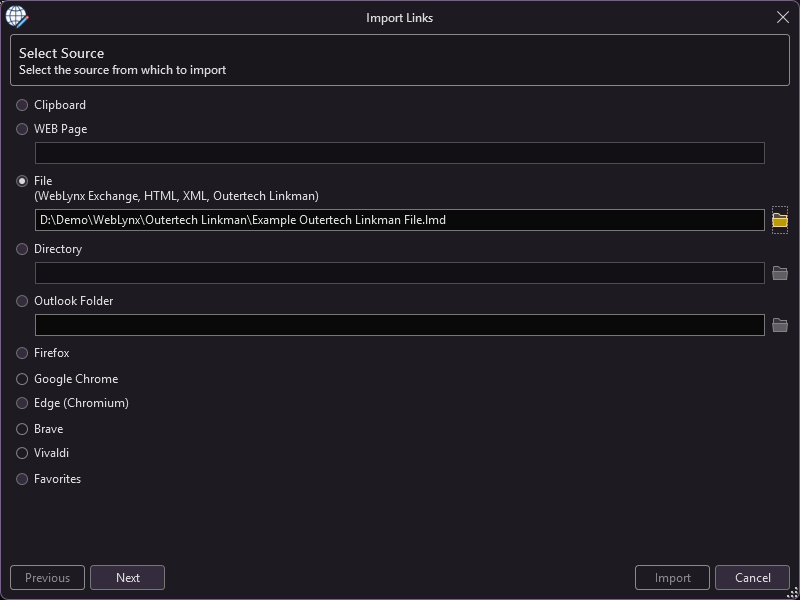
Open the Import window by using the 'Exchange/Import' menu. Select the 'File' option, and enter the location of the Outertech Linkman file. This can be done directly or using the 'File Open' button next to the file location.
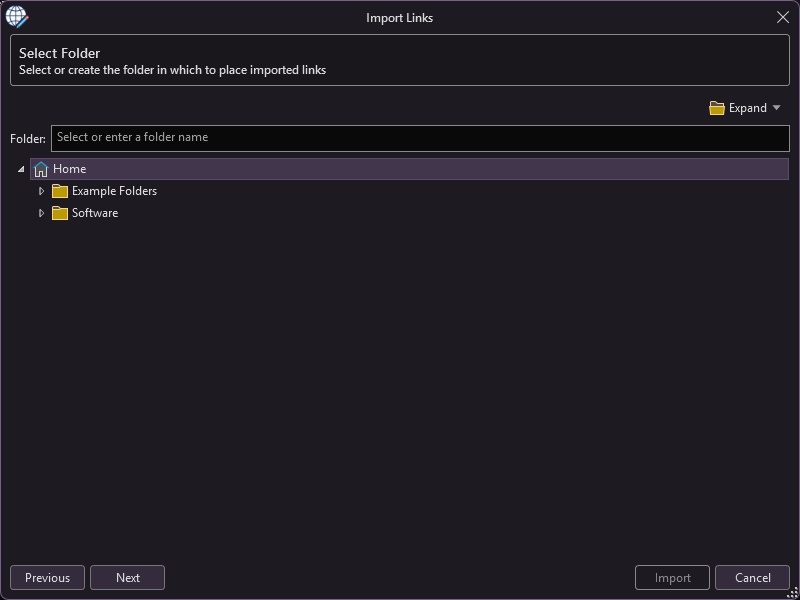
Click 'Next' to choose a Folder for the links to go into. 'Home' is a reasonable choice as the links will already have a root folded called 'Bookmarks Menu'.

Click 'Next' to choose any tags that its might be useful to add to the newly imported links.
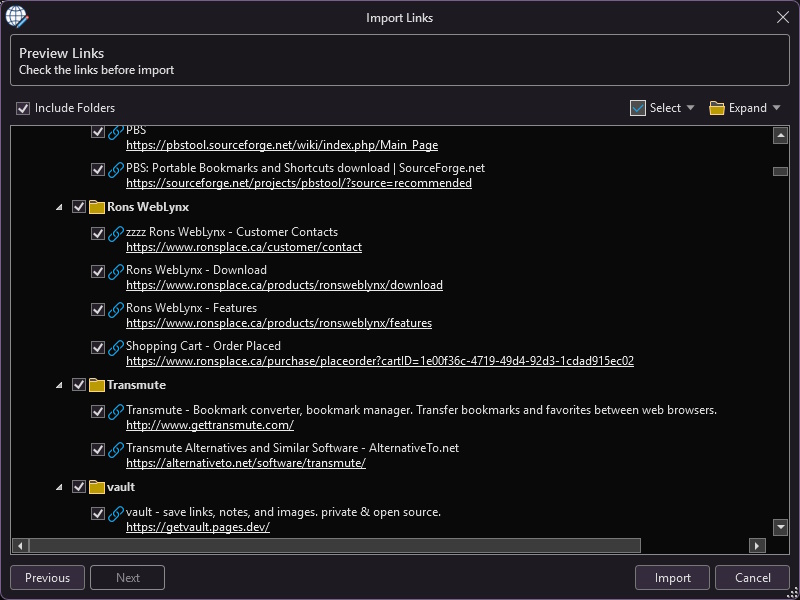
Click 'Next' to see a preview of what will be imported. At this point anything not needed can be unchecked.
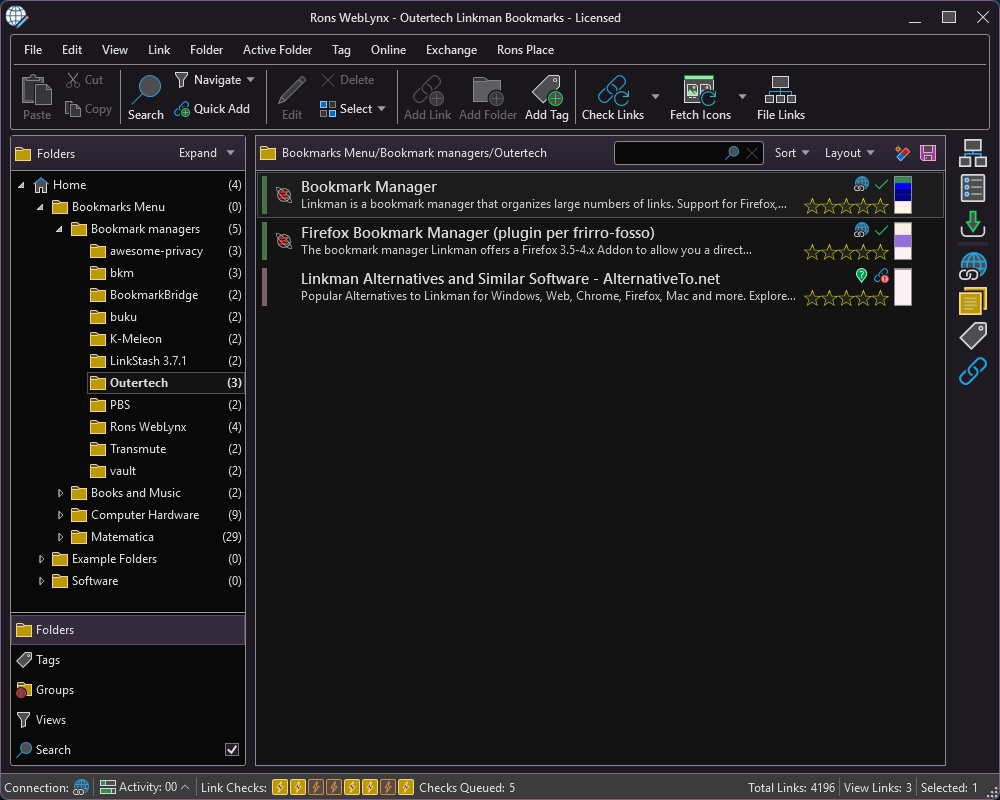
Finally click 'Import' to complete the operation.
After Import
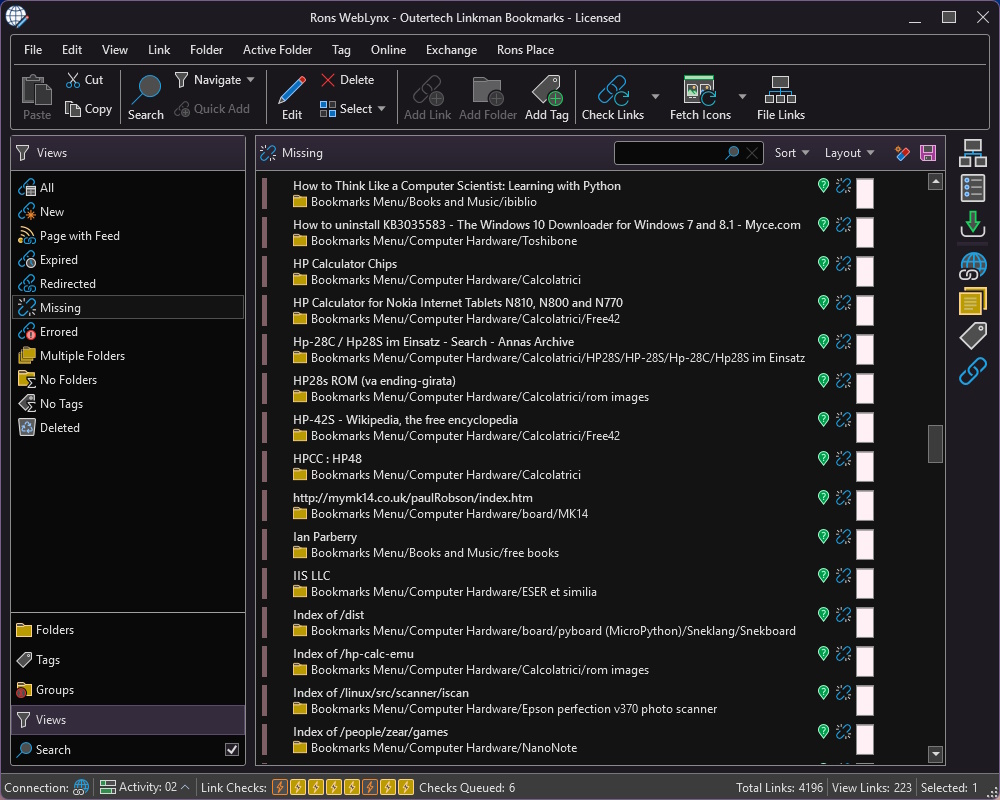
WebLynx will spend a moment checking links and fetching images, after which dead links can be cleaned up in the 'Views/Missing' area in the left navigation panel.

One problem with the results of the import might be the tags. Outertech Linkman stores web page keywords, which the WebLynx Import process turns into tags. Fortunately WebLynx comes with a tag filter and several tag tools to help deal with this.
We will leave that up to the reader to figure out.
Signing Off
We hope that helped and as always look forward to any feedback.
Related Information
Rons WebLynx
Application
General


