
Rons WebLynx vs Raindrop - Rons WebLynx
Raindrop.io is one of the most popular bookmark managers today, and for good reason. Rons WebLynx takes a very different approach. Raindrop.io is a cloud service you use on every device. Rons WebLynx is a Windows application that keeps everything on your own computer.
Neither approach is right for everyone. This article explains the differences so you can decide which one suits the way you work. Raindrop.io details are taken from the Raindrop.io website in November 2026.
Cloud or Local?
The biggest difference is where your bookmarks live.
With Raindrop.io, your collection is stored on Raindrop's servers. You sign in with an account and see the same bookmarks in your browser, on your phone and on other computers.
With Rons WebLynx, your collection is stored in WebLynx files on your computer, in a folder you choose. There is no account, nothing is sent to Rons Place Software or anyone else, and files can be encrypted with a password.
The cloud approach wins on convenience. The local approach wins on privacy, independence and offline use. The closure of Pocket in 2025, when users had to export their data before it was deleted, reminded many people that an online service can change or close. See Keeping Your Bookmarks After Pocket.
At a Glance
| Rons WebLynx | Raindrop.io | |
|---|---|---|
| Type | Windows desktop application | Cloud service with web, desktop, mobile apps and browser extensions |
| Where links are stored | WebLynx files on your computer | Raindrop.io servers |
| Account needed | No | Yes |
| Works offline | Yes | Limited |
| Phones and tablets | No | Yes, iOS and Android |
| Sync between devices | No | Yes |
| Free edition | Lite: all features, saves up to 2,500 links | Free: unlimited bookmarks and devices |
| Paid edition | Pro: one-time purchase, price on the product page | Pro: monthly or yearly subscription |
| Broken link and duplicate finder | Yes, Lite and Pro | Pro |
| Full-text search of page content | No | Pro |
| Saved copies of web pages | No | Pro (removed if you stop paying) |
| AI assistant | No | Pro |
| Sharing and collaboration | Copy or export files | Yes, shared collections |
Where Raindrop.io Is a Good Choice
- You want your bookmarks on every device, including your phone.
- You want to share collections with other people.
- You want Raindrop's Pro features, such as full-text search inside saved pages, saved copies of pages and an AI assistant, and you are happy to pay a subscription for them.
- You don't mind your bookmarks being stored online.
Where Rons WebLynx Is a Good Choice
- Your links stay on your computer. No account, no cloud and no third party. Files can be encrypted with a password.
- You pay once. Rons WebLynx Pro is a one-time purchase, with no subscription. The price is on the product page. The free Lite edition has every feature and can be used at work.
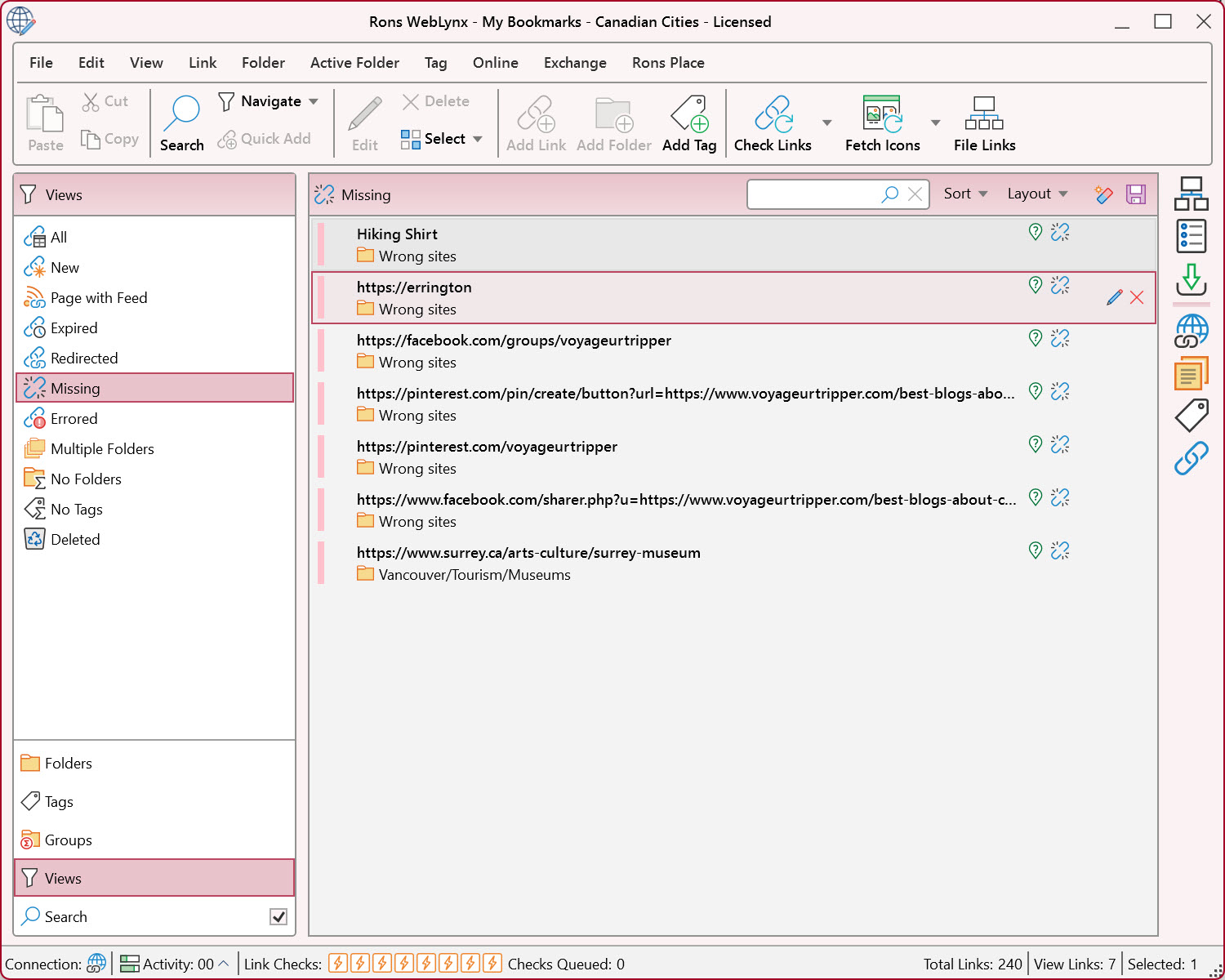
- Clean-up tools are included.Duplicate Bookmarks and link checking are part of both Lite and Pro.
- You want new links filed for you.Automatic Link Filing rules tag and move new links on your computer.
- You follow websites. Active Folders collect new links from RSS and Atom feeds. See Following Website Updates with RSS Feeds.
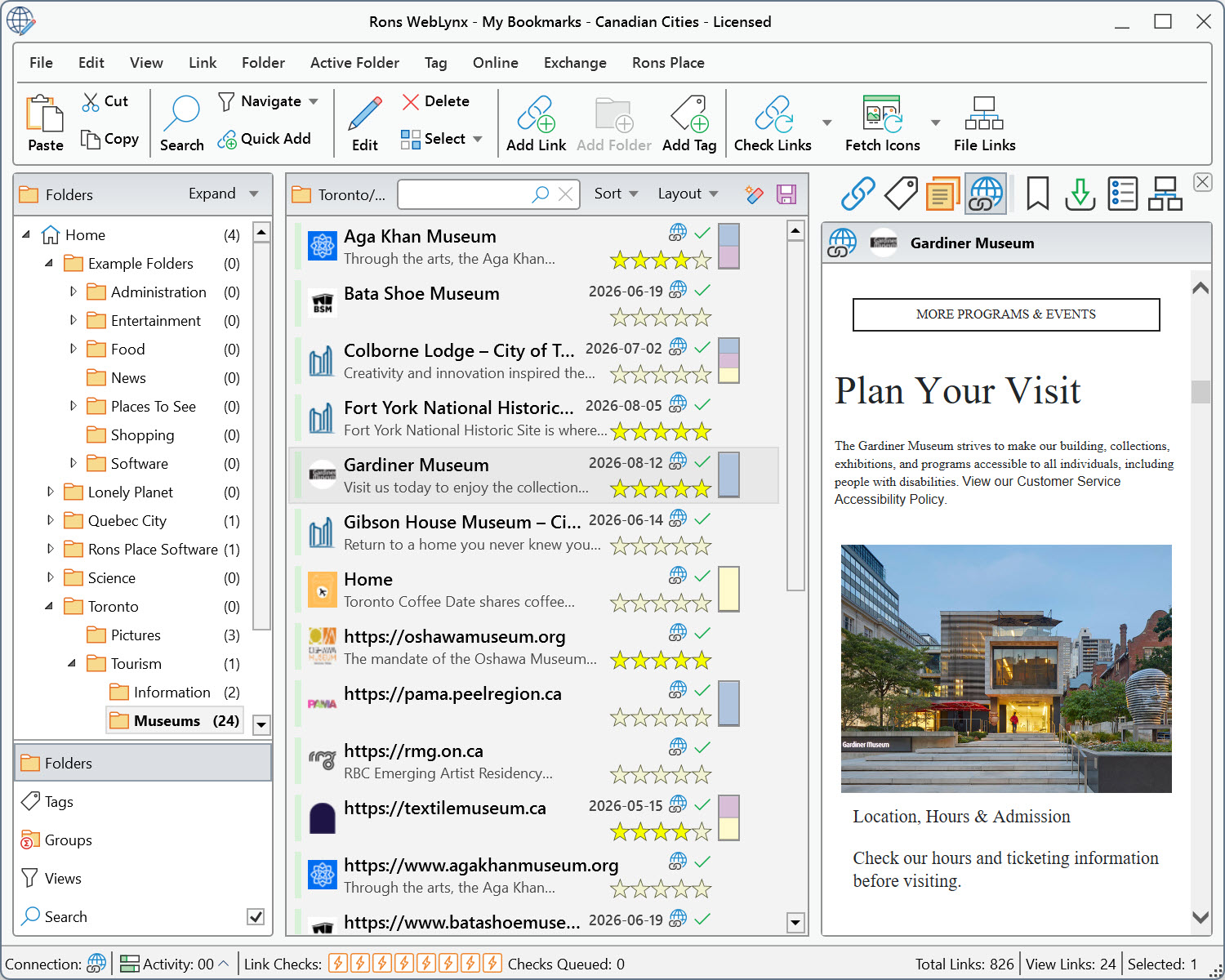
- You work on Windows and want a full desktop application with side panels, a built-in browser view, light and dark modes and 10 display languages.
- You keep separate collections, for example one file per research project, that can be backed up and archived like any other document.
What Rons WebLynx Does Not Do
To be clear about the trade-offs:
- Rons WebLynx runs on Windows 10 and 11 only. There is no Mac, mobile or web version.
- It does not sync between devices. Sharing one WebLynx file between computers through OneDrive or Dropbox is not supported. Files can be copied, exported and backed up.
- It does not store copies of web pages or search the text inside them. It searches and filters by keyword, tags, ratings and link status.
Moving Links Between Them
Raindrop.io can export bookmarks as a standard bookmark HTML file. Rons WebLynx can import bookmark HTML files, browser bookmarks and many other sources, and can export to HTML, XML and other formats. See Importing and Exporting.
Conclusion
Choose Raindrop.io if you want your bookmarks on every device, shared collections, and page archiving with full-text search, and you are happy with a cloud service and a subscription.
Choose Rons WebLynx if you work on Windows and want your links private, offline and on your own computer, with link checking, duplicate detection, automatic filing and RSS folders, for a one-time price.
Rons WebLynx is available free from the Download page on Rons Place Software. See also the Rons WebLynx Overview.


