
Managing Thousands of Bookmarks Offline on Windows - Rons WebLynx
A few dozen bookmarks are easy. A few thousand are not.
Once a collection grows past a certain size, the browser's bookmark menu stops being useful. Links go missing, duplicates pile up, and many saved pages no longer exist. And if you move everything to an online service, your research now depends on an account, an internet connection and a company's future.
This guide explains how to manage a large collection of links offline, on your own Windows computer, using Rons WebLynx as the example. The same principles apply whatever tool you use.
Why Offline?
Keeping your bookmarks on your own computer has some clear advantages:
- Privacy: what you research stays with you. No account, no tracking, no third party.
- Independence: no service can change its prices, its rules or close down with your data. When Pocket closed in 2025, its users had a few months to export their saves. See Keeping Your Bookmarks After Pocket.
- Speed: a local file opens instantly and works on a plane, in a library or behind a strict company firewall.
- Ownership: your collection is a file you can copy, back up and archive like any other document.
The trade-off is that a local collection lives on one computer. If you need your bookmarks on your phone, a cloud service may suit you better. See Rons WebLynx vs Raindrop.io.
1. Split Your Collection Into Files
Don't keep everything in one giant list. In Rons WebLynx, each file is a separate collection, for example:
- Work reference
- One file per research project
- Family history
- Personal interests
Files can be opened together, and links can be moved between them with the Landing Zone. Each file can also be encrypted with a password.
2. Use Folders and Tags
Folders alone force you to put each link in one place. Tags let the same link be found in several ways.
A good pattern: folders for projects or areas, tags for topics. Add ratings to mark the best sources, and a short note to remember why a link was saved. This is explained further in The Browser Bookmark Problem.

3. Bring Everything In
Most people have links scattered everywhere. Rons WebLynx can import from:
- Browser bookmarks (Chrome, Edge, Firefox, Brave, Vivaldi), all of them or only selected folders
- Bookmark HTML files exported from other tools
- Outertech Linkman files
- Outlook folders, Word documents, files and folders
- Web pages, whole websites and the clipboard
4. Let Rules Do the Filing
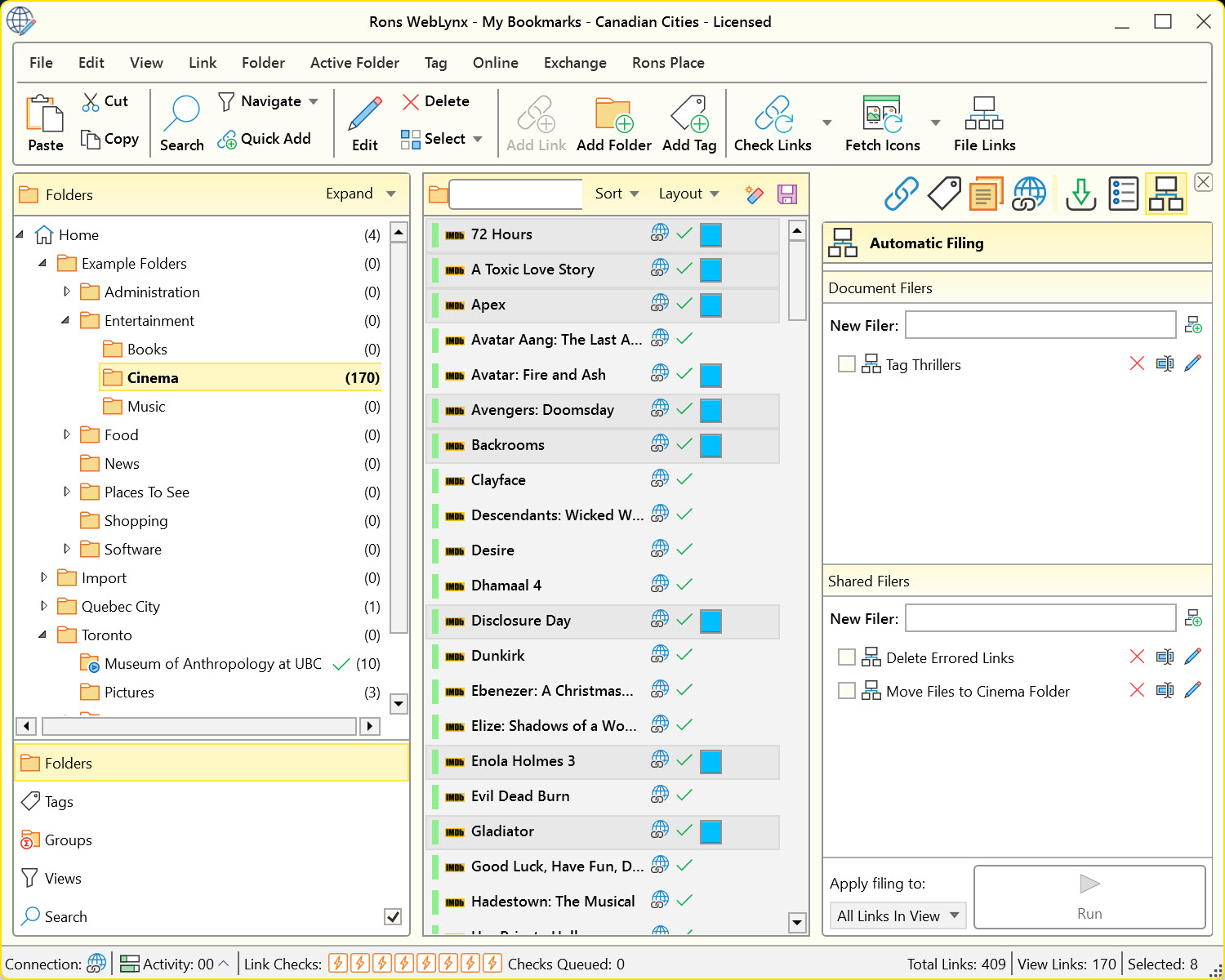
When you add links regularly, sorting them by hand gets tiring. Automatic Link Filing rules can tag new links, move them to a folder or delete them, based on rules you set. The rules run on your computer, without AI or online services.
5. Remove Duplicates
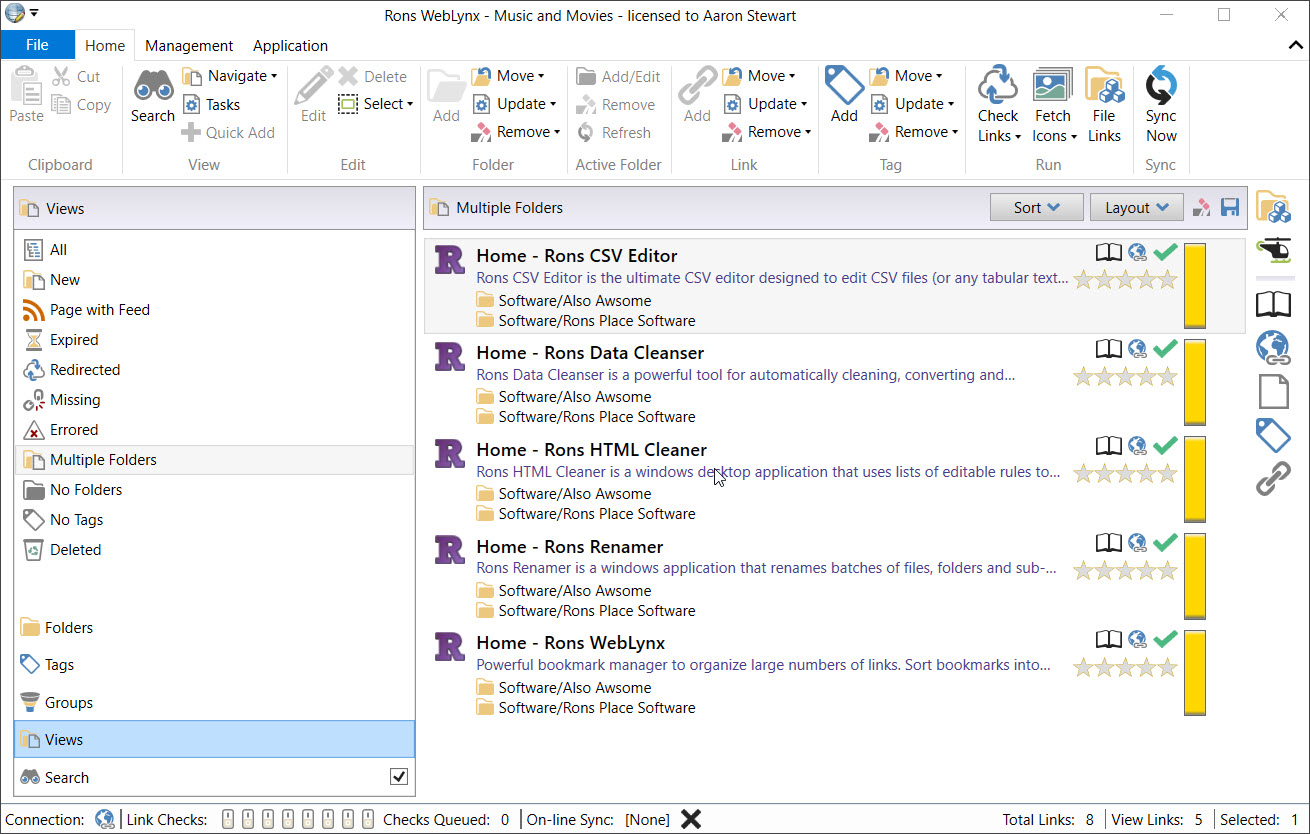
Large collections always contain the same link saved more than once. A dedicated view lists duplicate bookmarks so you can remove the extra copies, and other views show links with no tag or folder.
6. Check for Broken Links
Websites move and disappear. Rons WebLynx checks your links and lists broken links and error pages in the Missing view, so a large collection stays useful instead of slowly filling with dead ends.
7. Follow Sources With RSS
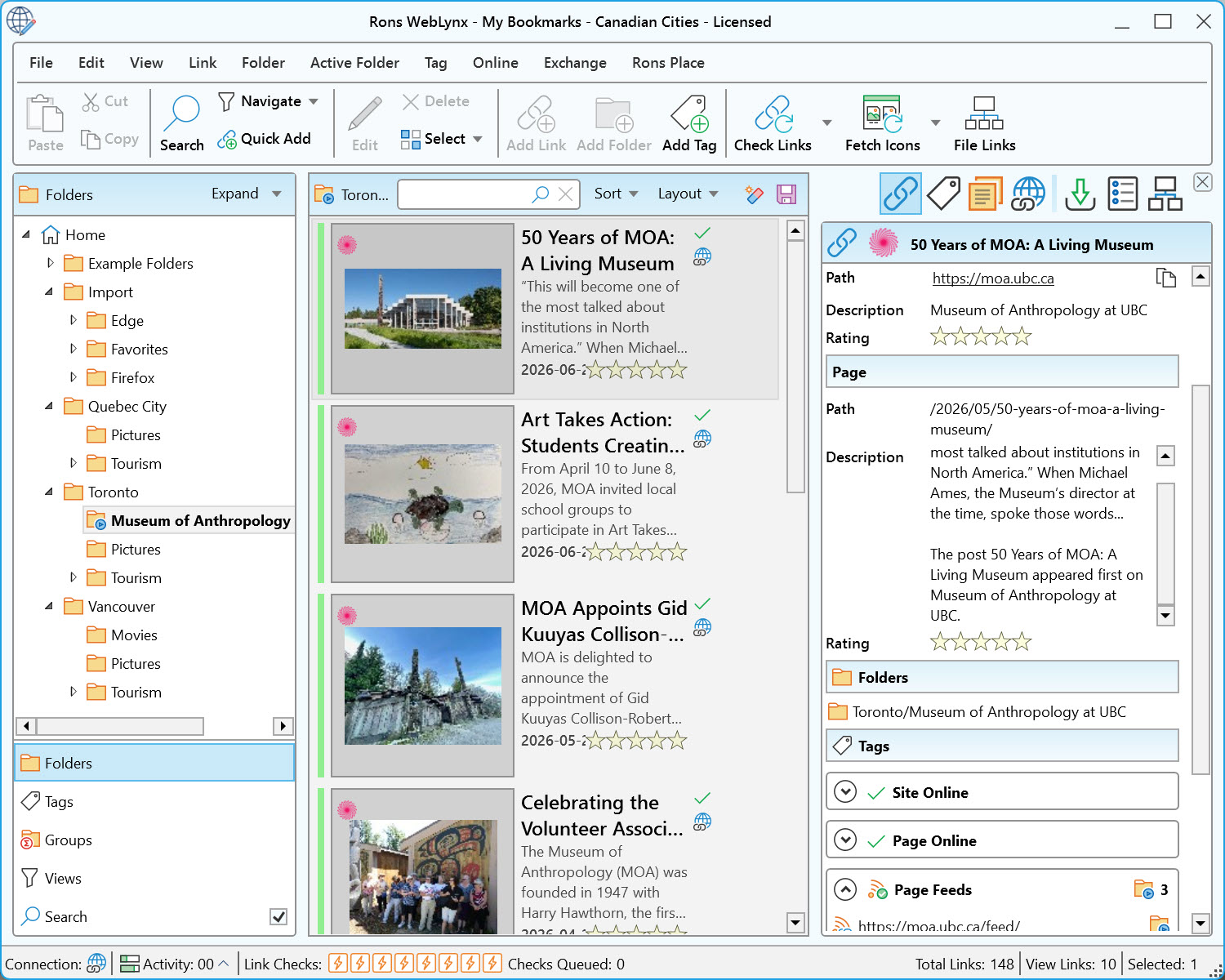
Instead of visiting the same websites every day, turn a folder into an Active Folder that follows their RSS or Atom feeds. New articles appear next to the rest of your research. See Following Website Updates with RSS Feeds.
8. Back Up
Because your collection is a file, backing it up is simple: copy your WebLynx files to another drive, a USB stick or your usual backup service. You can also export to standard bookmark HTML, XML or WebLynx exchange files.
One thing to avoid: opening the same WebLynx file from two computers through a synced cloud folder such as OneDrive or Dropbox. This is not supported. Use the cloud folder as a backup, not as shared storage.
How Big Can a Collection Get?
Rons WebLynx has been tested with 20,000 links in one collection. The free Lite edition has all features, can be used at work and saves up to 2,500 links. Pro removes the limit and the advertising banner for a one-time purchase, with no subscription. The price is on the product page.
Conclusion
Managing thousands of bookmarks offline comes down to a few habits: separate collections, folders and tags together, rules for filing, regular checks for duplicates and broken links, and simple backups.
Rons WebLynx is built around exactly those habits and runs on Windows 10 and 11. It is available free from the Download page on Rons Place Software. To get started, see the Quick Start Guide.


